NYT tells freelance photographers to avoid Photoshop 2027 over AI features
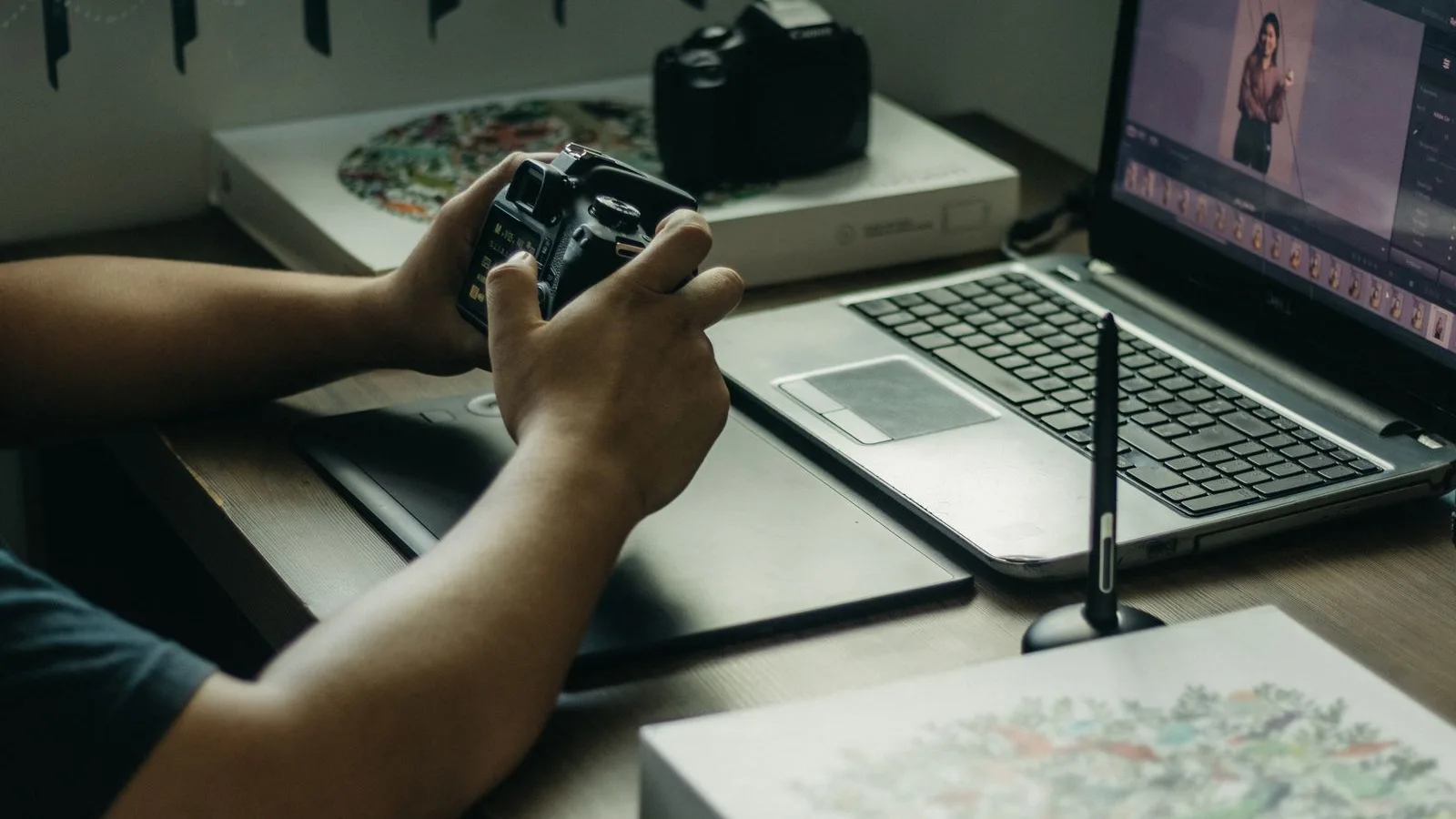
Image: Pexels · · 1 min read
The New York Times has asked freelance photographers not to use Adobe Photoshop 2027 on assignment, citing AI features that can label photos as AI-generated in their metadata.
The New York Times has told its freelance photographers not to use Adobe Photoshop 2027 (version 28.0.0 and later updates) on assignment for the paper. In an email sent by photography leaders Meaghan Looram and Josh Haner, the Times said some AI features in the update work in ways users may not notice. According to the email, using them can cause the metadata, the information embedded in an image file that records how it was made and edited, to label a photo as AI-generated.
Adobe has spent the past few years adding AI tools to Photoshop and its other Creative Cloud apps. The November update brings an "AI Assisted Editor" view that gathers the AI tools in one toolbar, plus prompt-based editing (changing an image by typing a written instruction for the AI). Because older tools such as automated selection can count as part of the AI suite too, it is not always clear which features are AI-powered.
The labels are tied to C2PA, an open standard that records in an image file whether it was generated or edited with AI. Adobe began rolling out C2PA support across its apps in August.
The Times' photo policy
The Times said last year that it does not retouch or digitally manipulate its photos, and that it may make only minimal color adjustments so an image is reproduced accurately. The new restriction, the paper says, is meant to keep these AI tags from appearing in its photos by accident. Spokesperson Graham James confirmed the requirement in a statement.
What remains unclear
The email does not say which Photoshop features prompted the restriction. Adobe has not yet responded to a request for more information.
- #adobe
- #photoshop
- #metadata
- #c2pa
- #photography
This article was prepared with AI assistance and reviewed by an editor.
Comments (0)
- Be the first to comment.